

In today’s fast-paced digital environment, video conferencing has become an essential part of business communication, remote work, online education, and global collaboration. As organizations and individuals increasingly rely on virtual meetings, mastering video conference tips is no longer optional—it is a necessity. Effective video conferencing goes beyond simply turning on a camera; it requires preparation, technical awareness, communication skills, and professional etiquette. In this comprehensive guide, we explore the most powerful strategies to ensure your virtual meetings are productive, engaging, and technically flawless, helping you stand out in any professional setting.
Complete Guide to Video Conference Tips
Why Video Conferencing Skills Matter
Mastering video conference tips ensures that we maintain professionalism, clarity, and efficiency in virtual interactions. Poor video quality, background distractions, or unclear communication can significantly impact how others perceive us. On the other hand, well-executed video meetings enhance credibility, collaboration, and decision-making, making them a critical component of modern communication strategies.
Essential Video Conference Setup Tips
1. Optimize Your Lighting for a Professional Appearance
Lighting plays a crucial role in how we appear on camera. Positioning a light source in front of us ensures a clear and well-lit face, avoiding shadows and dark visuals. Natural light is ideal, but a ring light or desk lamp can also create a balanced and polished look. Proper lighting instantly improves video quality and creates a professional impression.
2. Choose a Clean and Distraction-Free Background
A clutter-free background enhances focus and minimizes distractions. Whether using a physical setup or a virtual background, the goal is to maintain a clean, organized, and professional environment. Neutral backgrounds or office settings are ideal for maintaining credibility.
3. Ensure High-Quality Audio and Video Equipment
Clear communication depends heavily on audio quality. Using a dedicated microphone or headset reduces background noise and improves clarity. Similarly, a high-definition webcam ensures a sharp and professional video feed, making interactions more engaging.
Pre-Meeting Preparation Tips
1. Test Your Technology in Advance
Before joining any meeting, we should test our internet connection, camera, microphone, and software. This prevents last-minute technical issues and ensures a smooth start. Running a quick system check helps us avoid delays and maintain professionalism.
2. Prepare an Agenda and Key Talking Points
A well-structured agenda keeps meetings focused and efficient. By outlining objectives, discussion points, and expected outcomes, we ensure that every participant understands the purpose of the meeting and contributes effectively.
3. Dress Professionally for the Occasion
Even in remote settings, appearance matters. Dressing appropriately boosts confidence and reflects professionalism and respect for the meeting participants. Neutral and solid colors work best on camera.
During the Video Conference: Best Practices
1. Maintain Eye Contact with the Camera
Looking directly into the camera creates the impression of eye contact, which enhances connection and engagement. This simple technique makes communication feel more personal and impactful.
2. Use Clear and Concise Communication
Speaking clearly and avoiding unnecessary jargon ensures that our message is understood. Pausing between points and allowing others to respond promotes effective dialogue and collaboration.
3. Mute When Not Speaking
Background noise can disrupt meetings. Keeping the microphone muted when not speaking maintains audio clarity and professionalism.
4. Engage Actively with Participants
Active participation through nodding, responding, and asking questions demonstrates attentiveness. Engagement fosters collaboration and productive discussions.
Advanced Video Conference Tips for Professionals
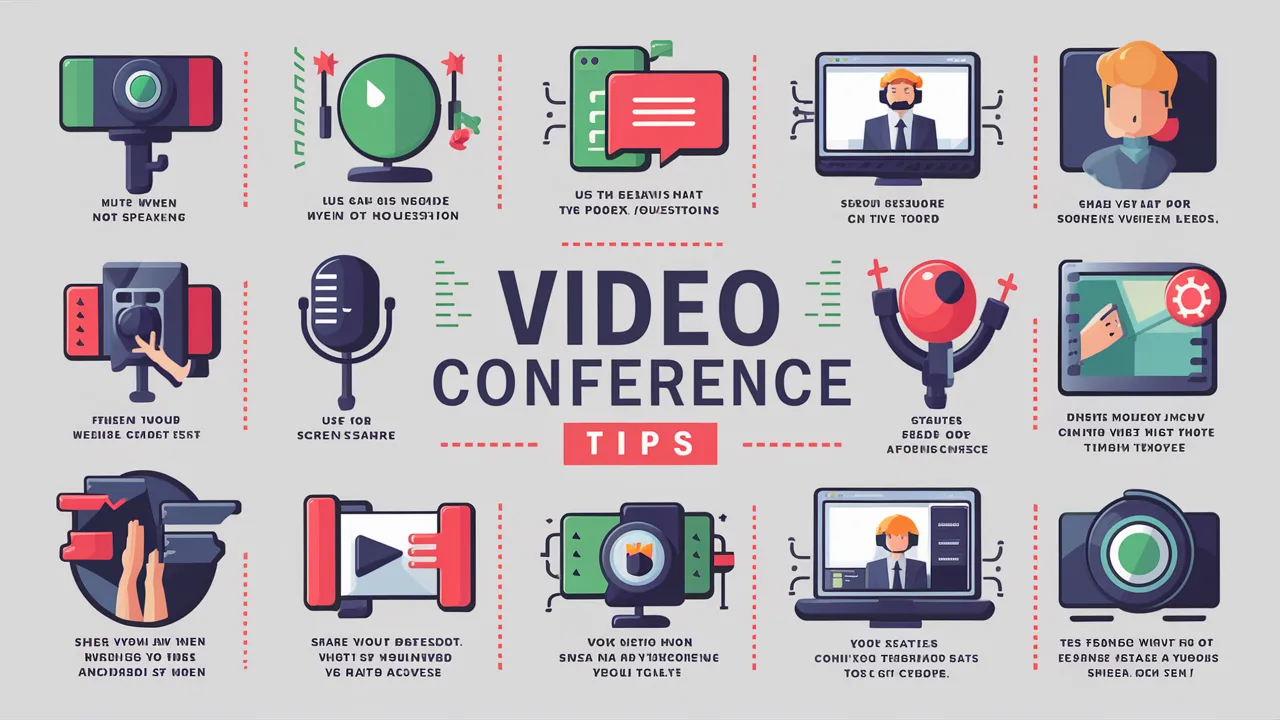
1. Leverage Screen Sharing Effectively
Screen sharing allows us to present information visually, Video Conference Tips enhancing understanding. Ensure that only relevant content is visible and organized for maximum clarity and impact.
2. Record Meetings for Future Reference
Recording sessions enables participants to revisit discussions and ensures that important details are not missed. This is particularly useful for training sessions and team meetings.
3. Manage Time Efficiently
Respecting time limits is essential for maintaining productivity. Start and end meetings on schedule to demonstrate professional discipline and efficiency.
Common Mistakes to Avoid in Video Conferences
1. Poor Internet Connection
Unstable connections lead to interruptions. Always ensure a strong and reliable network before joining a meeting.
2. Multitasking During Meetings
Dividing attention reduces engagement and productivity. Focus fully on the meeting to ensure meaningful participation.
3. Ignoring Body Language
Non-verbal cues play a significant role in communication. Maintain good posture and facial expressions to convey confidence and attentiveness.
Benefits of Following Video Conference Tips
- Improved communication clarity
- Enhanced professional image
- Higher meeting productivity
- Stronger collaboration and teamwork
- Reduced technical disruptions
Conclusion
Mastering video conference tips transforms virtual meetings into powerful tools for communication and collaboration. By optimizing our setup, preparing effectively, and engaging professionally, we can ensure that every video conference is productive, efficient, and impactful. As remote work and digital communication continue to grow, these strategies provide a competitive edge, enabling us to stand out and succeed in any virtual environment.
Frequently Asked Questions (FAQ)
1. What are the most important video conference tips?
The most important tips include good lighting, clear audio, stable internet, and professional behavior during meetings.
2. How can I improve my video conference quality?
Use high-quality equipment, optimize lighting, and ensure a strong internet connection.
3. What should I wear for a video conference?
Wear professional and neutral clothing that looks clean and appropriate on camera.
4. How do I stay engaged during virtual meetings?
Maintain eye contact, participate actively, and avoid distractions to ensure full engagement.
5. Are video conference tools easy to use?
Yes, most modern platforms are user-friendly and accessible, making virtual meetings simple and efficient.
